
WORKSPACE GUIDE
Anti-Spam
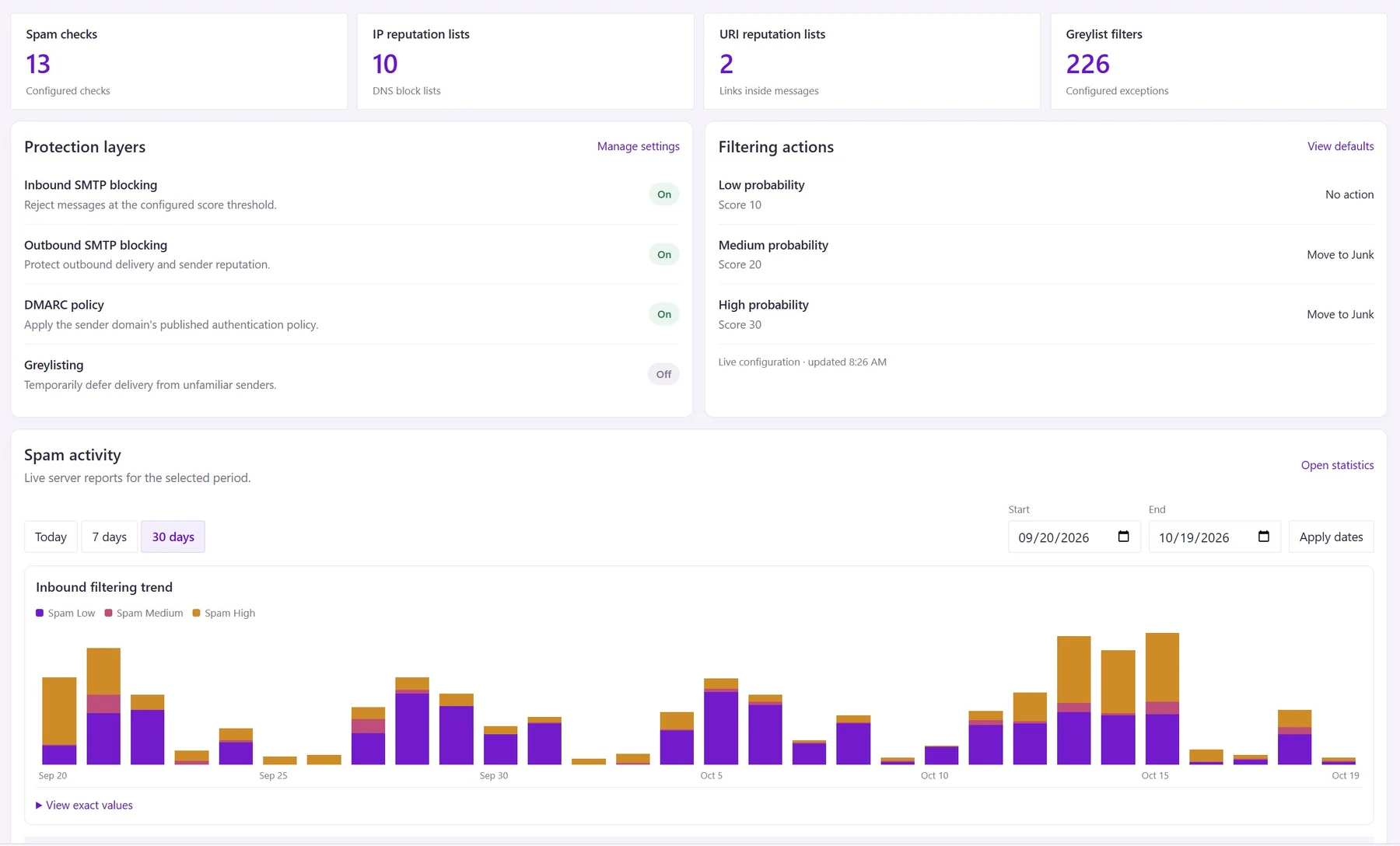
Give administrators a clear view of mail protection. Native filtering brings spam checks, sender authentication, IP and link reputation, filtering actions, and activity reports into one workspace.
How to use it
- Administrators: open Settings → Antispam. Start with Overview to review configured layers and filtering actions. Counts show configured checks, not a guarantee that every check is active or licensed.
- Use Policies and IP & URI reputation to inspect scoring and enabled checks. DMARC follows sender authentication policy. Review exceptions carefully; broad trust entries can bypass protection.
- Use Activity and reports to investigate false positives. Incoming SMTP rejection cannot be recovered from Junk. Prefer recoverable Junk actions for uncertain spam; outbound quarantine, where enabled, requires administrator review.
- Users: check Junk Email for legitimate messages and move them back when appropriate. Report suspicious messages through your organization’s approved process. Never open an attachment merely to test whether it is safe.
Updated 19 October 2026