
WORKSPACE GUIDE
Calendar
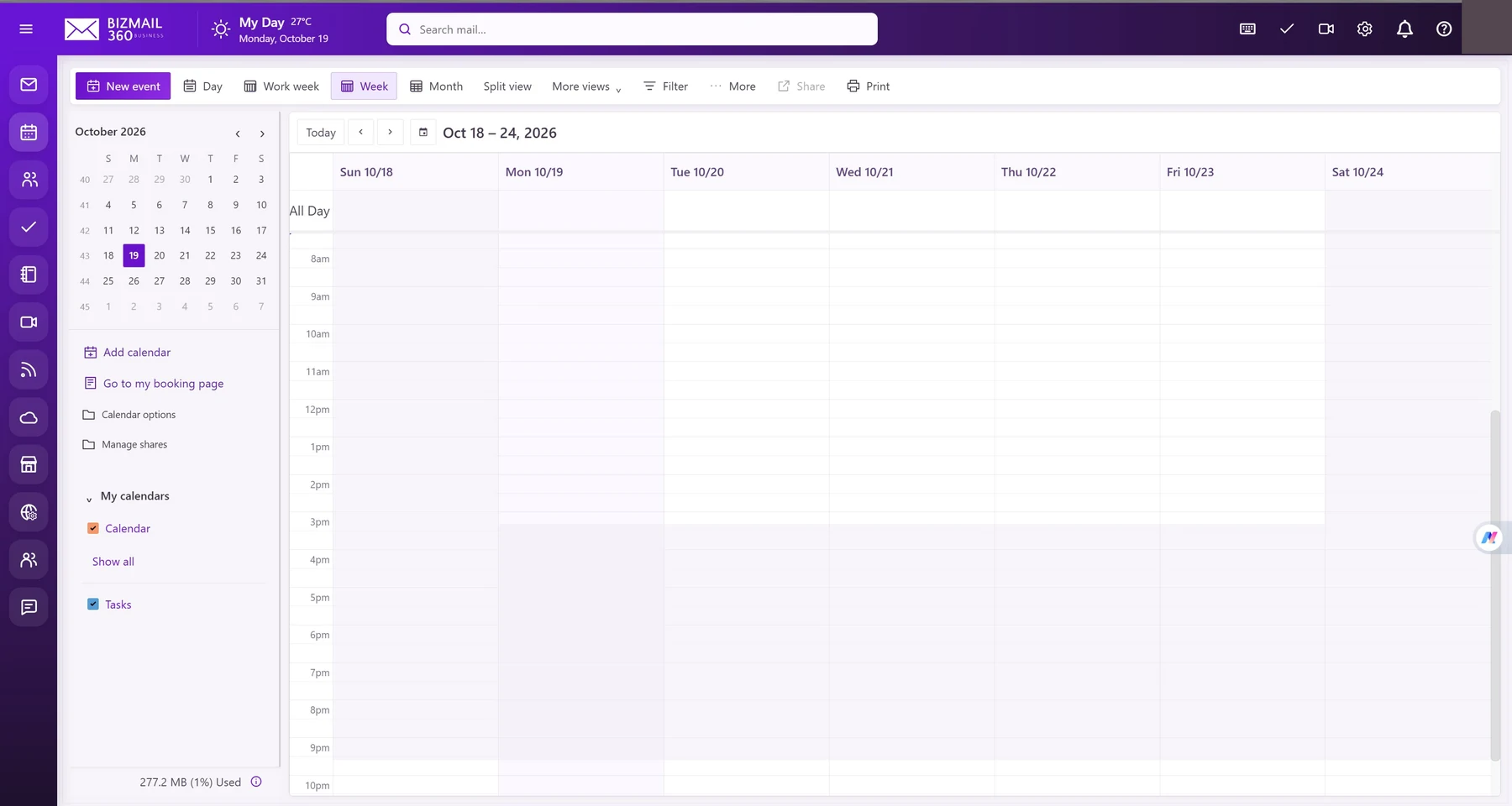
Bring appointments, invitations, and availability into the same place as your email. Switch between day, week, and month views to plan work with context.
How to use it
- Open Calendar and select New event. Set the title, date, time, and time zone.
- Add attendees and a location or meeting link. Set a reminder and review recurrence if the event repeats.
- Save the event and review the invitation response. Use Manage shares to review calendar access; share only what colleagues need.
Updated 19 October 2026