
WORKSPACE GUIDE
Chat & WhatsApp
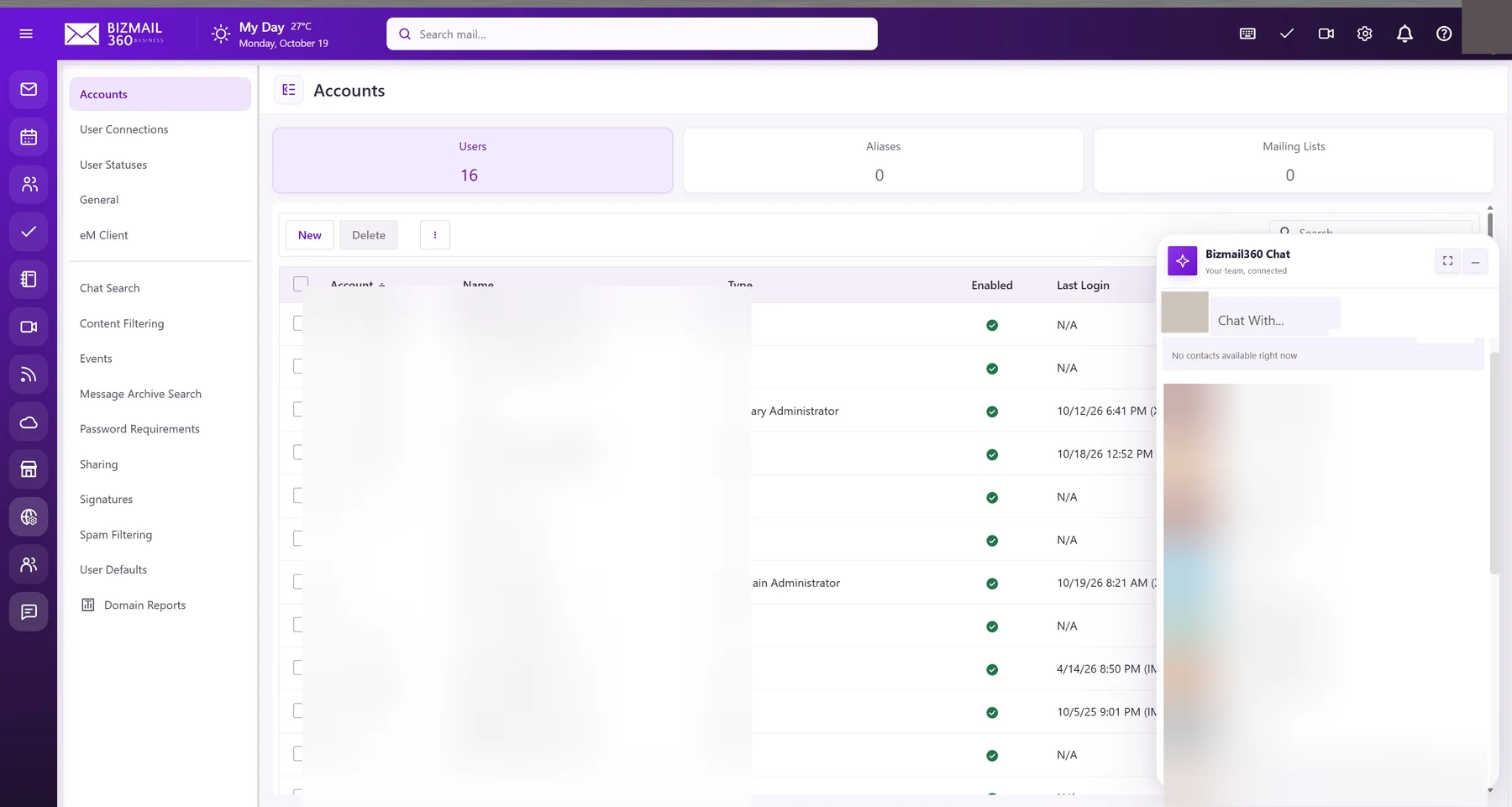
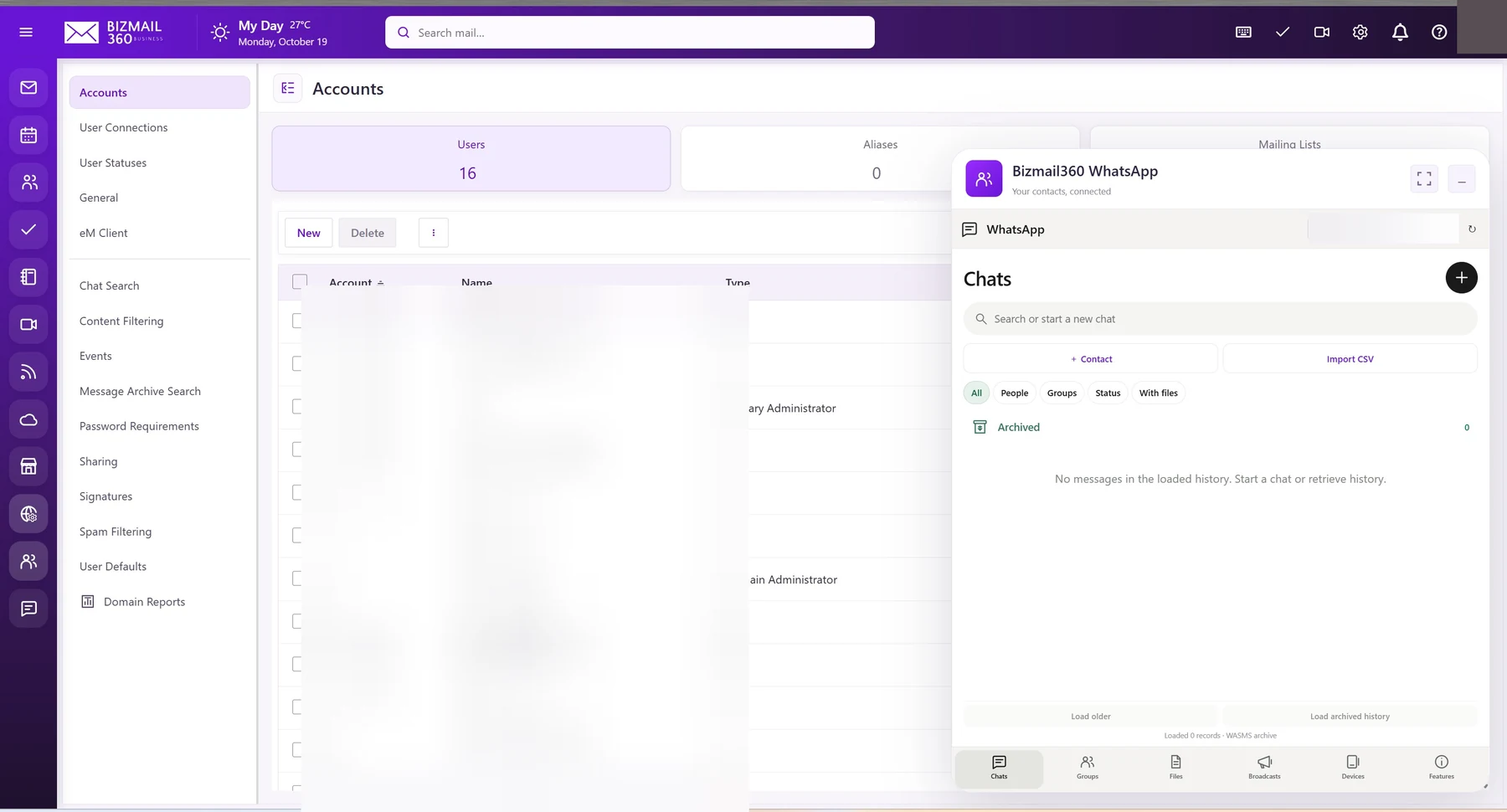
Move a quick question into a conversation. Team chat keeps colleagues connected, while a separately configured WhatsApp workspace can bring approved business messaging alongside email.
How to use it
- Open team chat and select the intended colleague. Check their identity before sending confidential information.
- Use the conversation’s file controls where enabled. History availability depends on your organization’s retention and permissions.
- If WhatsApp is enabled, select the approved connected account. Confirm the destination and your organization’s messaging rules before sending. A website preview is not proof that an external account is connected.
Updated 19 October 2026