
WORKSPACE GUIDE
Contacts
Keep people and business details easy to find. Personal address books and your organization’s directory help you start the next conversation with the right person.
How to use it
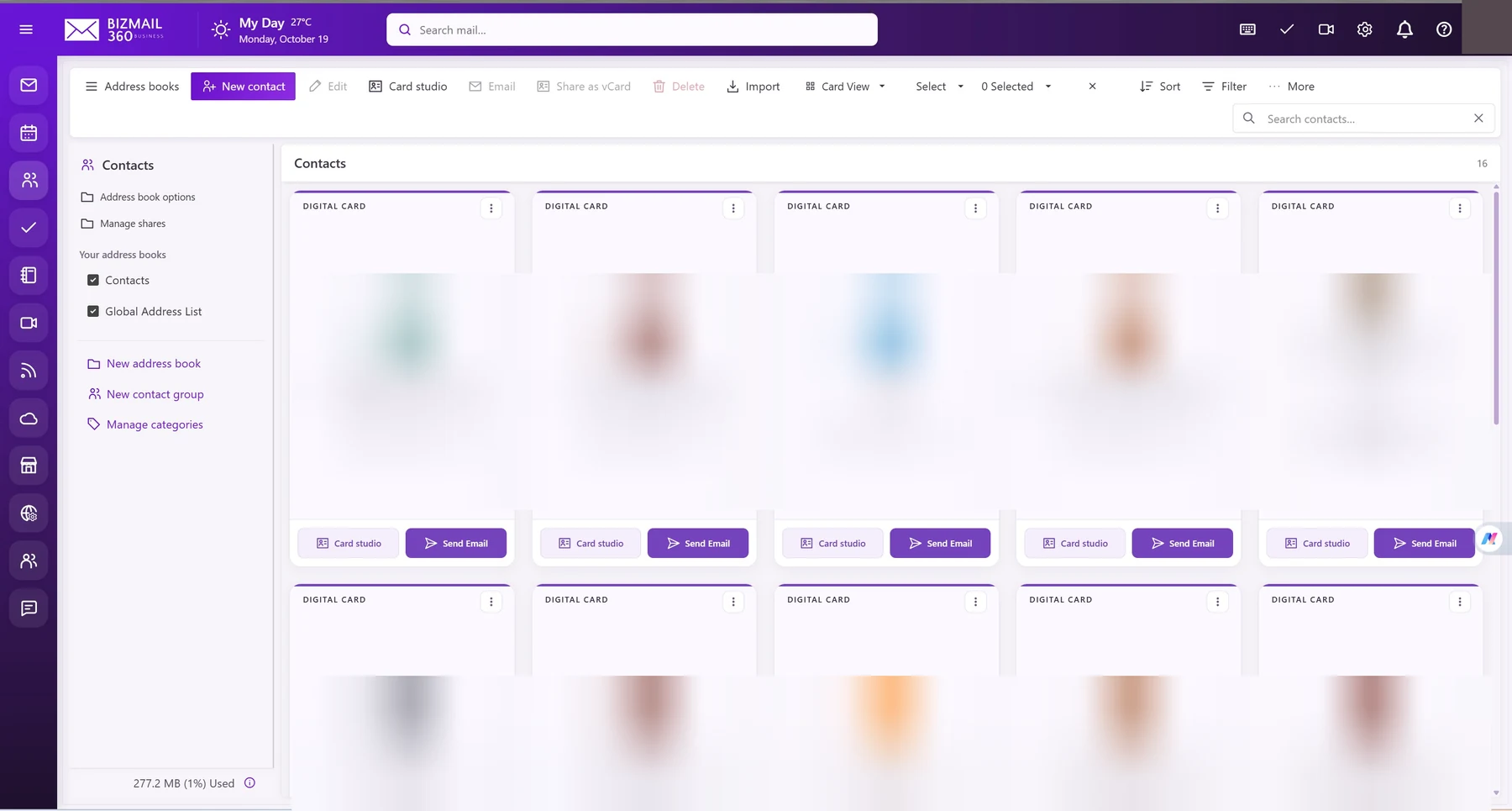
- Open Contacts and choose an address book. Select New contact to add a person.
- Enter only necessary business details and save. Use Import for a supported contact file, checking field mappings before confirming.
- Use Manage shares to control access. Open Card studio if enabled to prepare your digital card; review all fields before sharing it.
Updated 19 October 2026