
WORKSPACE GUIDE
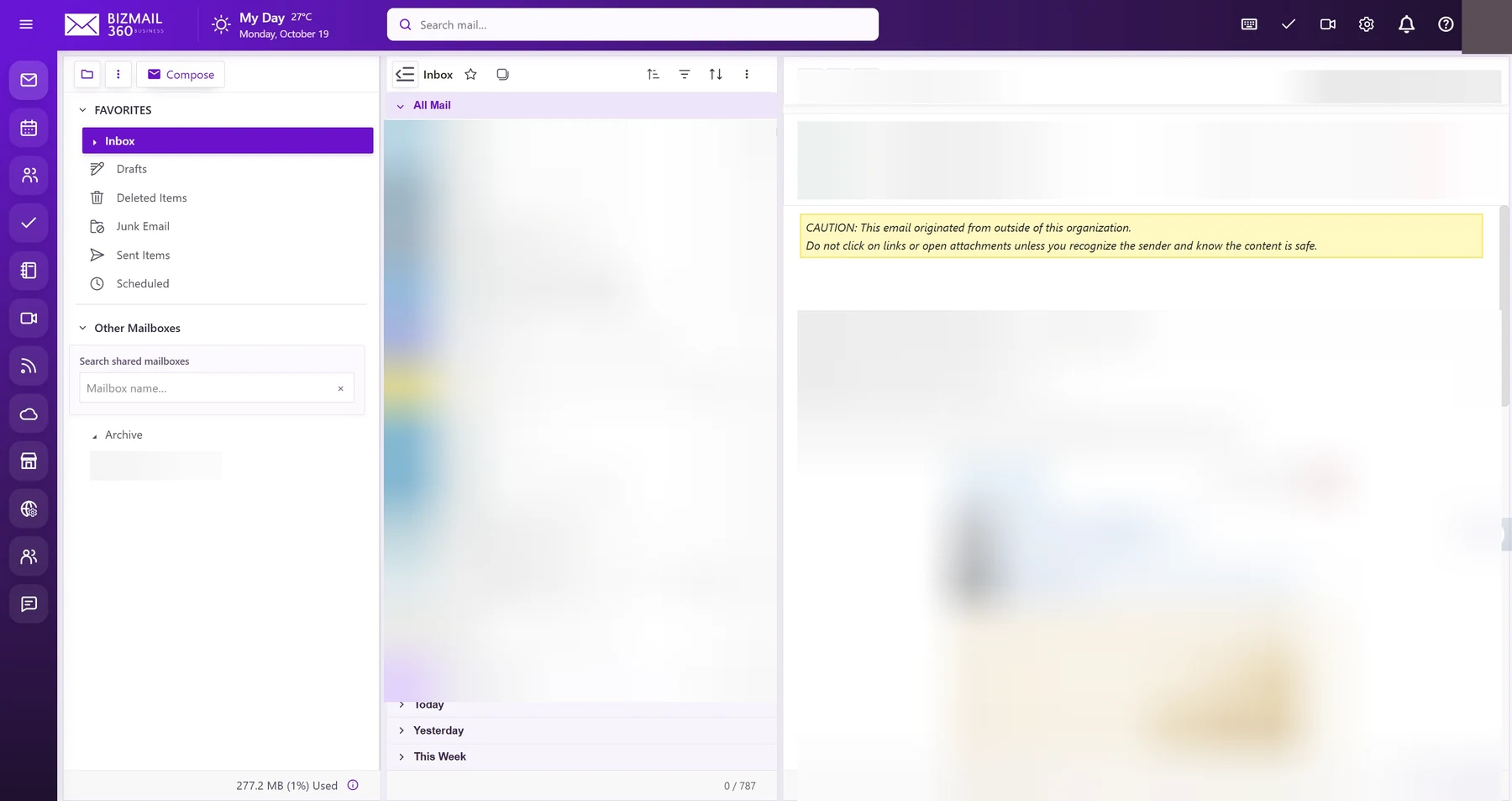
A focused inbox for the conversations that move your day forward. Read, reply, search, and compose in one workspace, with folders and signatures to keep communication consistent.
How to use it
- Sign in to webmail and open Email from the application rail.
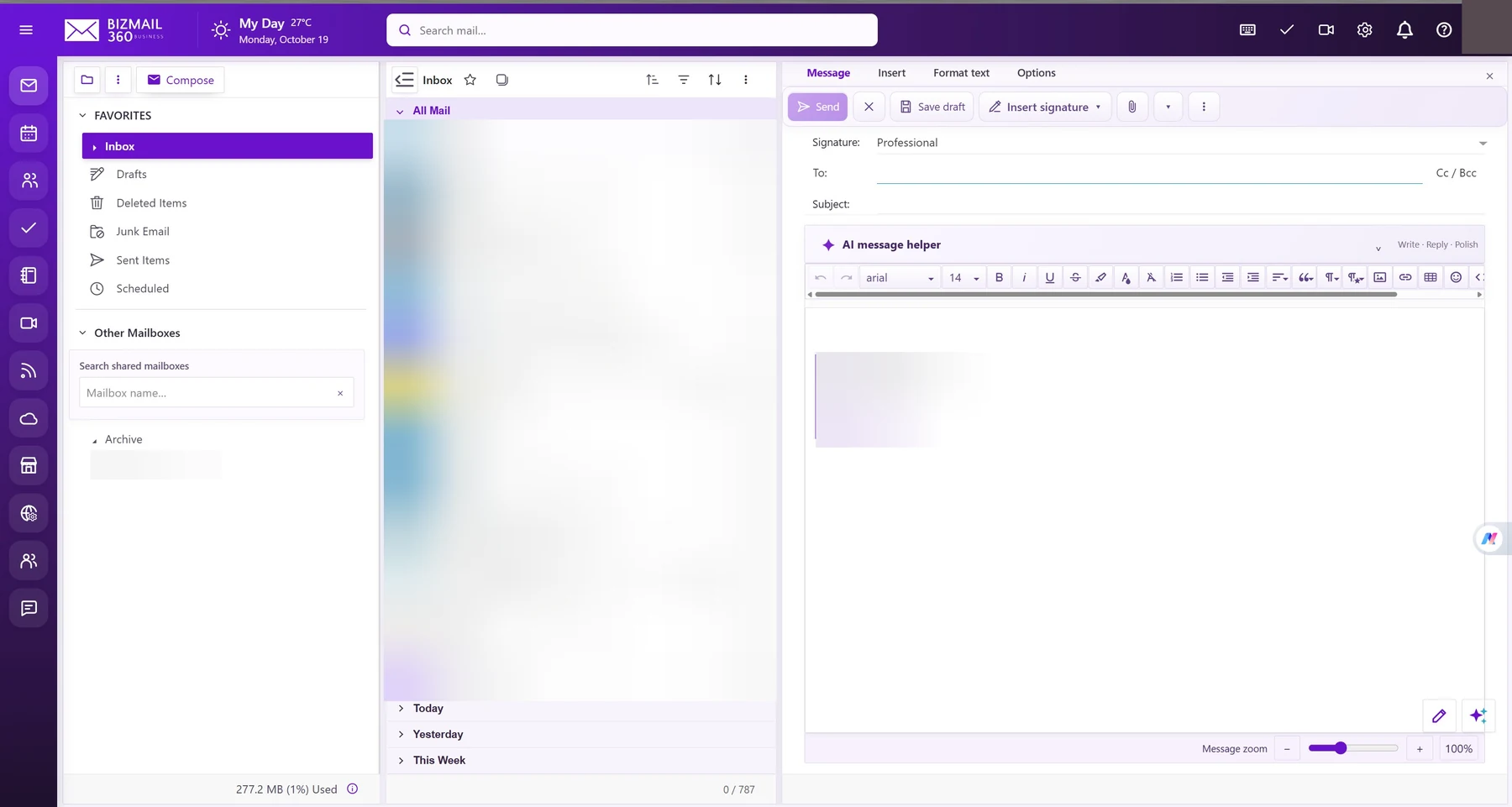
- Select Compose, enter the recipients and subject, then write your message. Use Insert signature or the attachment control as needed.
- Review every recipient and attachment before selecting Send. To find older mail, search or open the relevant folder. Never share sign-in codes or passwords by email.
Updated 19 October 2026