
WORKSPACE GUIDE
Notes
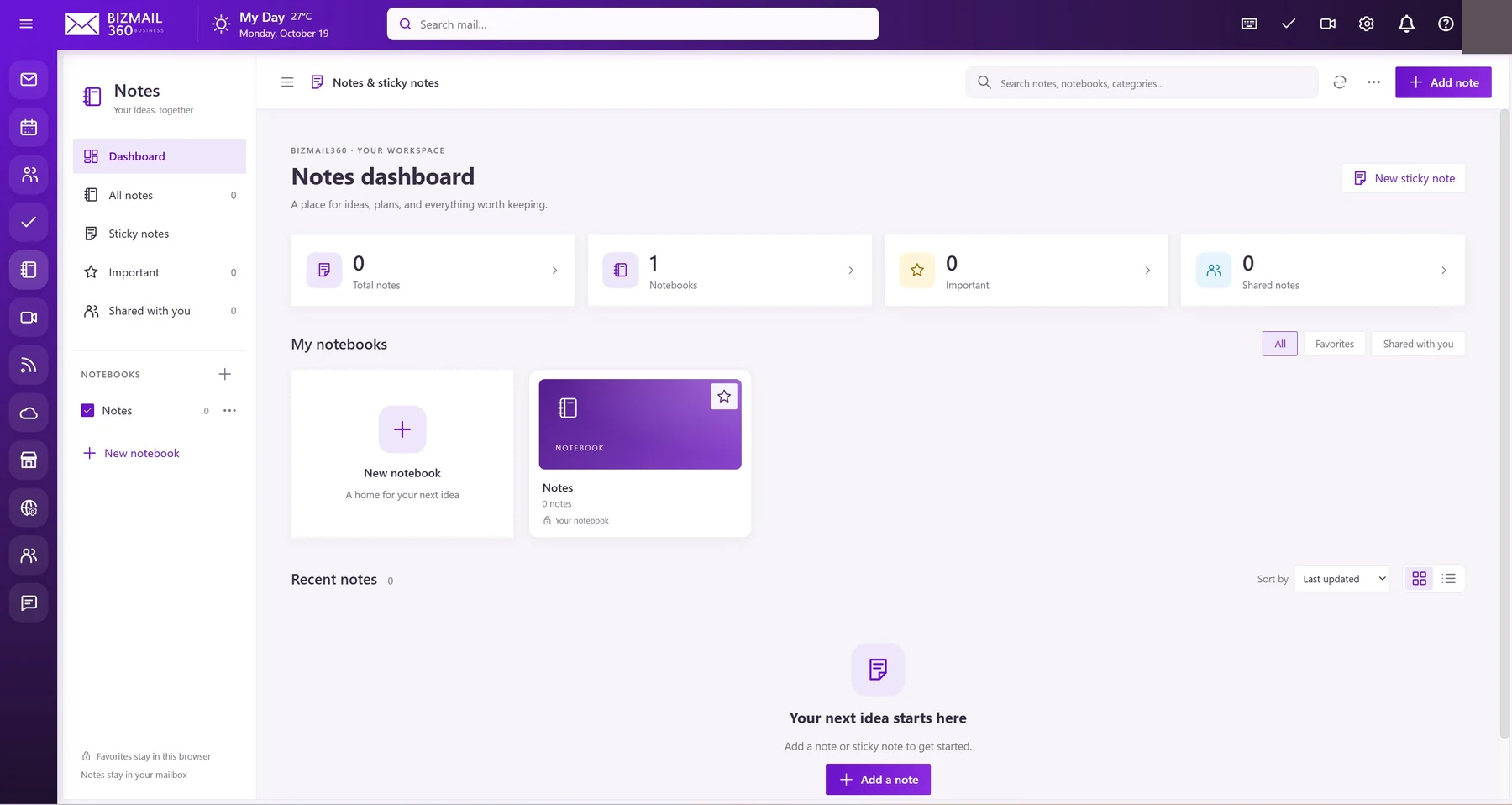
Give ideas a home before they become the next project. Capture notes and sticky notes, group them in notebooks, and return to important information quickly.
How to use it
- Open Notes and select Add note or New sticky note.
- Choose or create a notebook, enter your content, and save using the available editor controls.
- Use search, Important, or Shared with you to find content. Favorites and some view preferences are stored in the current browser; keep sensitive information in approved locations.
Updated 19 October 2026