
WORKSPACE GUIDE
Reports
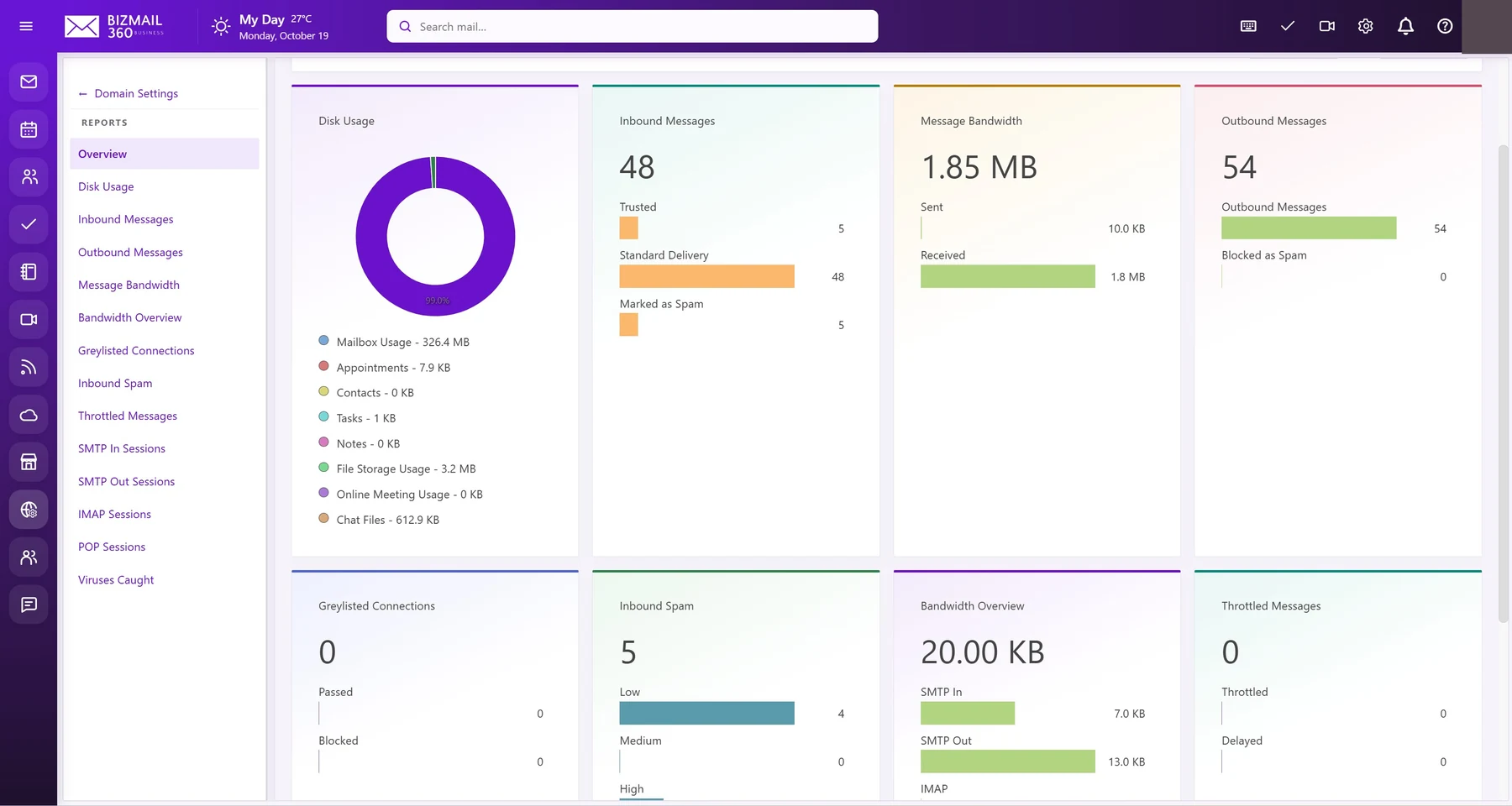
Understand activity before making decisions. Authorized administrators can review message traffic, storage, spam classifications, and connection reports alongside account management.
How to use it
- Open Domain Reports or the system reporting area allowed by your role.
- Select a report and its date range. Check whether the chart is showing messages, connections, or storage before comparing totals.
- Review individual categories rather than adding overlapping aggregates. Use account management only within your assigned scope, and export reports only to approved storage.
Updated 19 October 2026