
WORKSPACE GUIDE
File storage
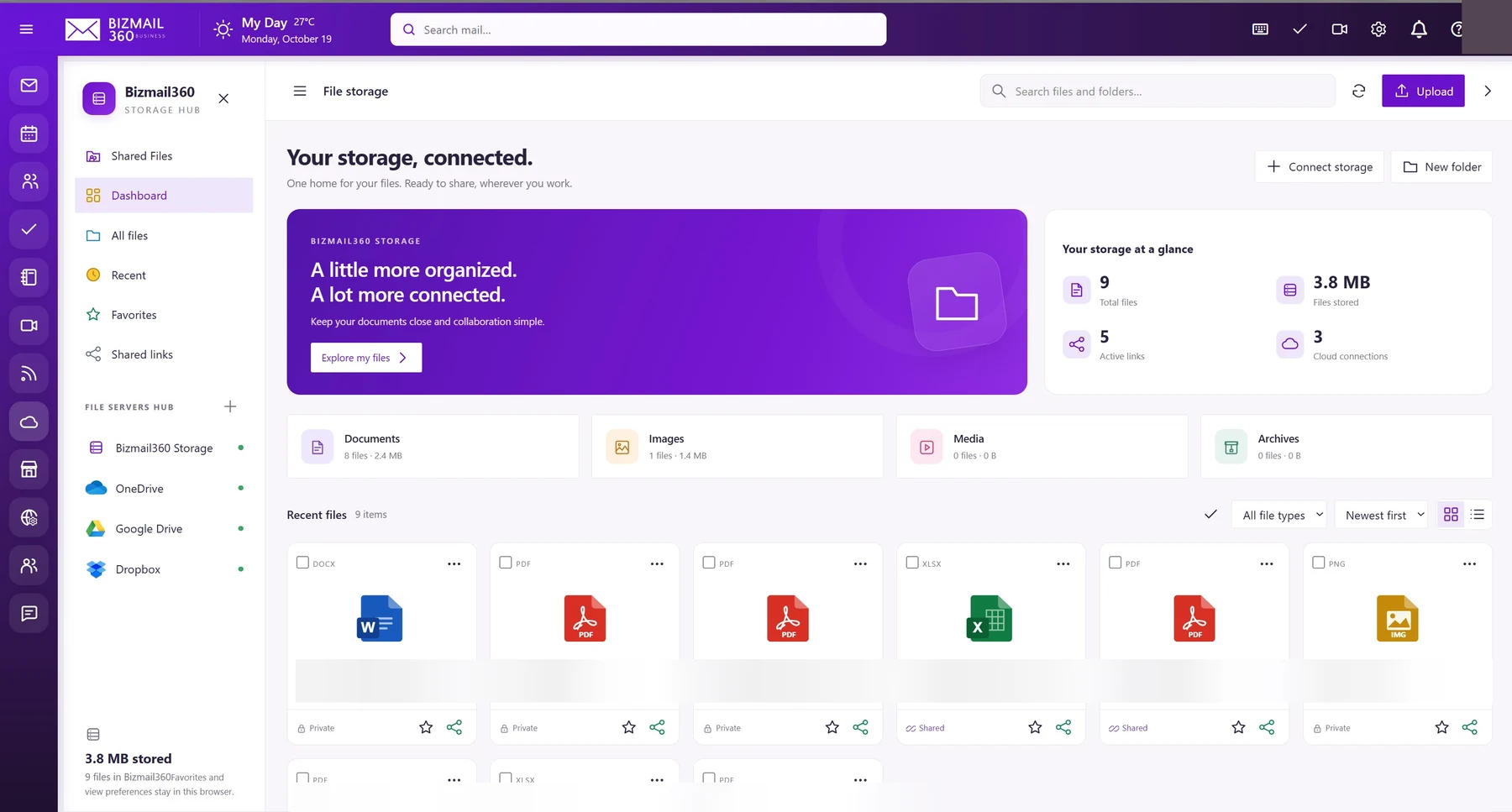
Keep documents close to the work they belong to. Browse files, organize folders, and manage shared links from the storage hub.
How to use it
- Open File storage and select Upload or New folder. Check the destination before uploading.
- To share, open the item’s sharing controls and review the offered permissions, link access, and expiry options.
- Use Shared links to review access and revoke links no longer needed. Connect storage only if your organization has approved the provider and its requested permissions.
Updated 19 October 2026