
WORKSPACE GUIDE
Tasks & My Day
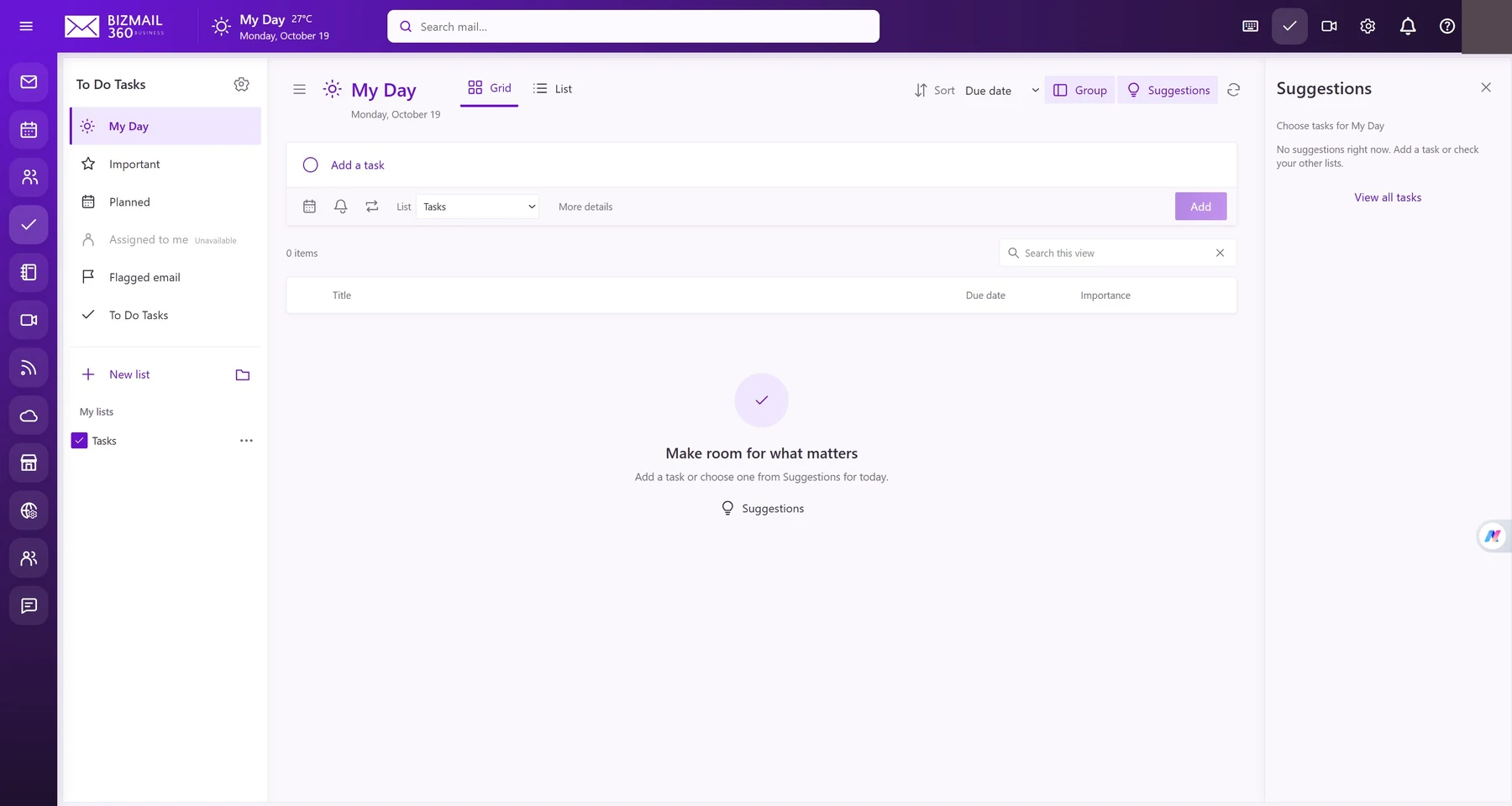
Turn plans into manageable next steps. My Day, Important, Planned, and flagged email views keep your priorities close without leaving your workspace.
How to use it
- Open Tasks. Choose a list or create New list, then enter a task in Add a task.
- Use the date, reminder, or More details controls to add context. Mark a task important when it needs attention.
- Select My Day and review Suggestions to choose today’s work. Mark completed tasks done. Shared assignment options depend on the features enabled for your account.
Updated 19 October 2026